Topic to Shorts · Features
Pick your AI and your sources
Choose the AI model (a free one on your own server, or your own key), where the footage comes from, and the voice service.
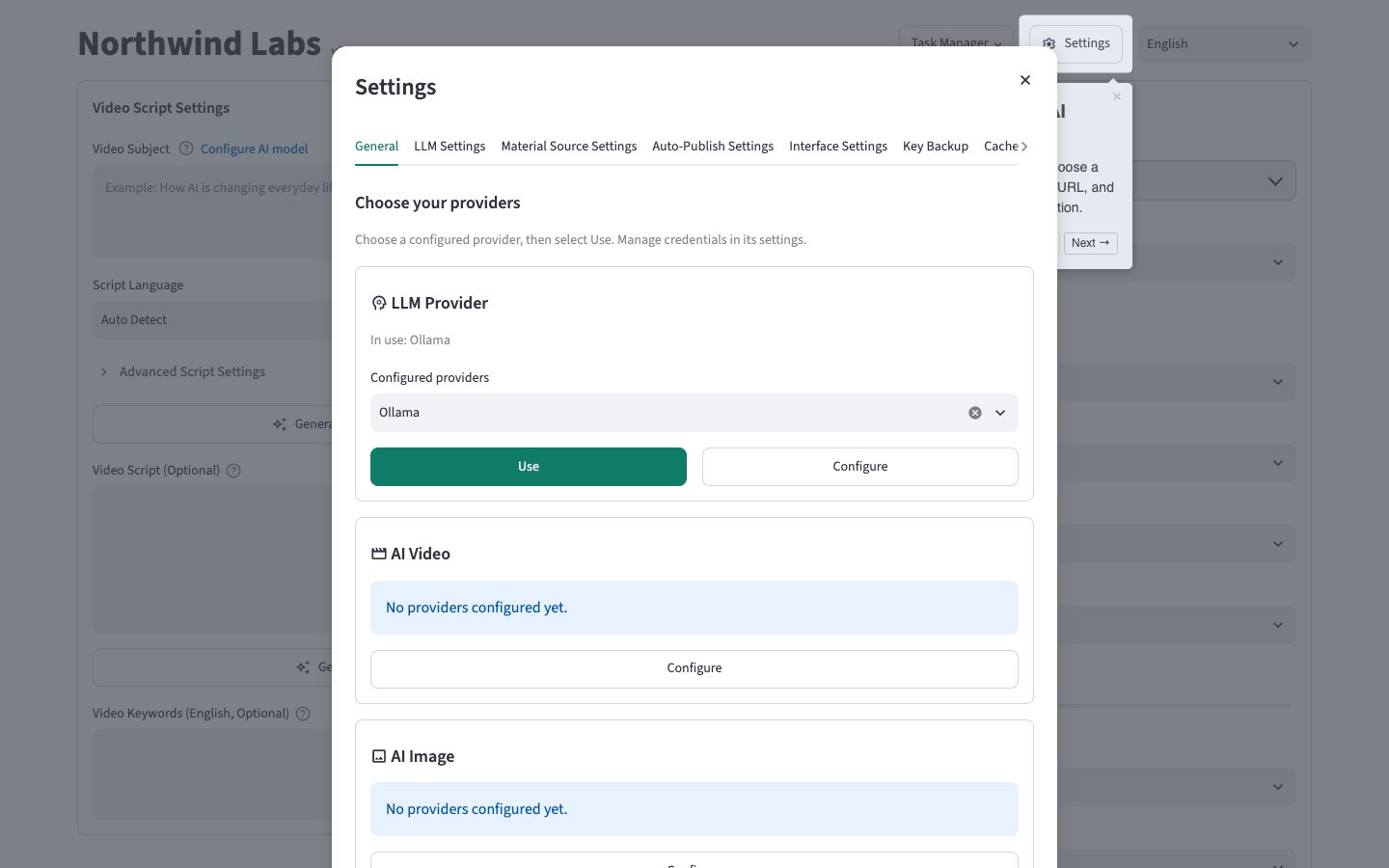
A real screen of Topic to Shorts, with sample data.
Choose the AI model, the footage source and the voice service.
A free model on your own server works.
- Free local AI with Ollama
- Pexels, Pixabay or your own clips
- Keys stay on your server
How to use it
- Open Settings.
- Pick Ollama or add your key.
- Add your free Pexels key.
More in Topic to Shorts
Script
Type what the video is about. The AI writes the script and the search words for the footage. Or paste your own script.
Voice and captions
A voice reads the script, captions appear word by word, and music plays underneath. Pick the voice, font, colour and position.
Generate
Press Generate and it cuts the footage to the script, adds the voice, captions and music, and gives you the file.